Editor for my portfolio site
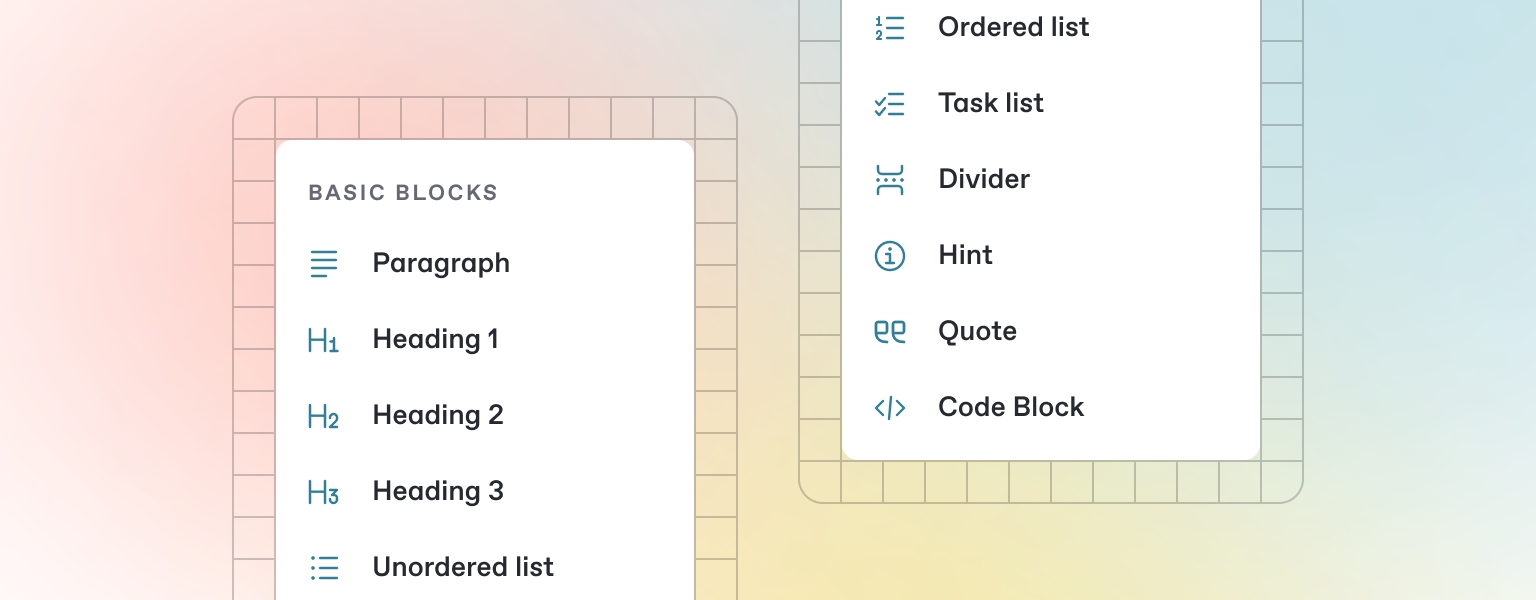
GitBook's Powerful Block-Based Editor
GitBook features a robust block-based editor that allows you to create, update, and enhance your content seamlessly.
Writing Content
GitBook offers a variety of inline block types—from simple text and tables to code blocks and more. These elements enrich your pages by providing extra information and context for your readers.
Get Started: Begin typing below, or press
/to open a list of blocks you can insert into your page.
Adding and Inserting Blocks
Open the Insert Block Menu: Press
/on your keyboard to open the insert block menu.Search for the Block You Need: Use the search feature to locate a block. For example, try typing “Stepper” to quickly find and insert the stepper block.
Insert and Edit Your Block: Click on or press Enter for the block you want to add. Once inserted, you'll be able to edit and customize it to suit your content needs.
Last updated